Compose Multi-Component Confections: Shells, Fillings and Layers
A recipe describes one mass. A bonbon is several masses pressed together. Build the whole piece from saved recipes, ingredients and other products, say which parts touch, and read water activity, migration risk and shelf life for the assembly rather than for its parts.
A Recipe Is Not a Product
A ganache recipe answers one question well: what is in this mass, and how does it behave on its own. A finished bonbon asks a different question. What happens when that ganache sits inside a chocolate shell, pressed against a salted caramel, in a sealed box at 20 °C for three weeks? No single recipe can answer it, because the answer belongs to the assembly rather than to any one of its parts. Two ganaches that each pass their own checks can still ruin each other across a shared face.
Products are where the assembly lives. A product is a composition built from work you have already done — saved recipes, catalogue ingredients, and other products you have saved a version of — arranged into the structure the piece actually has, with the contacts between the parts stated explicitly rather than guessed from the layout. Formul.io then calculates the finished item: total weight, composition, nutrition, water activity, shelf life, and moisture migration across every face that touches.
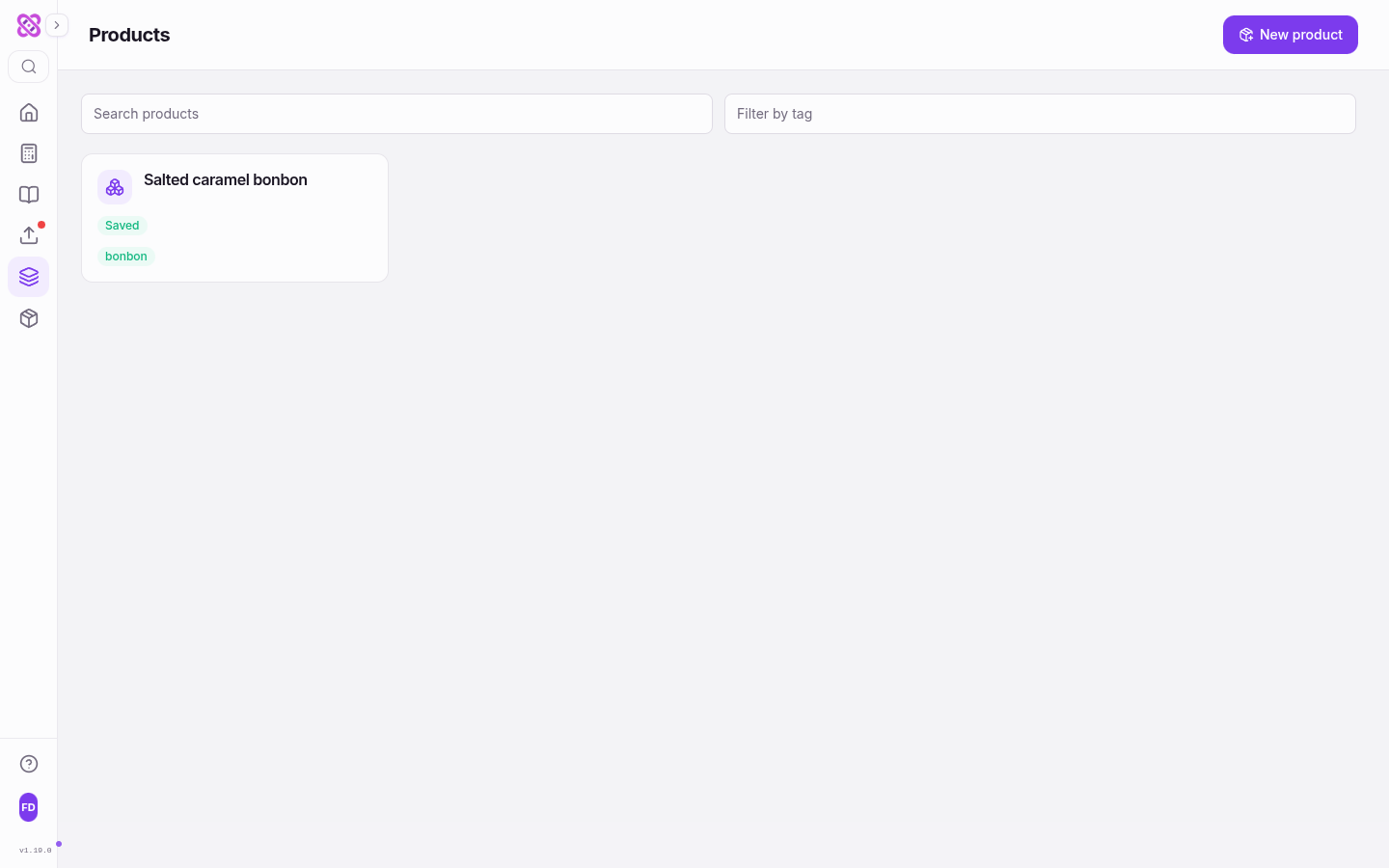
Open Products from the sidebar and choose New product. Each product appears as a card carrying its save status — Saved, Draft or Stale — and its tags, with Search products and Filter by tag above the list. Products are available on every plan.
What the product layer adds
Nothing in a product duplicates the recipes inside it. A component points at a recipe, an ingredient or another product, and the physical facts — water, sugar, fat, water activity, nutrition — are read from that source. What the product adds is everything that exists only once the parts are assembled: a Total weight, composition and nutrition for the finished piece, a Limiting Aw that names the wettest phase, a Shelf life per storage scenario, and a Migration risk with a Critical day for each pair of components in contact.
Eight Starter Structures
A new product opens on Start with a structure. These are outlines, not product types. Each one creates named sections in the order the piece is built, and none of it is fixed afterwards: the app describes them as “Optional shortcuts only. You can change or remove every section.”
| Starter structure | What the outline prepares |
|---|---|
| Blank product | An empty composition, for a piece whose shape does not match anything below |
| Shell and fillings | A moulded bonbon with a shell, one or more fillings, and a finish |
| Coated center | A truffle or enrobed center with a coating and a finish |
| Ordered layers | A multi-layer gel, caramel, ganache or other layered item |
| Sandwich or macaron | Two shells with a filling and an optional finish |
| Cake | Cake layers and a finish, without a fixed cake subtype |
| Decoration | A standalone chocolate or confectionery decoration |
| Assortment | A box or set whose items do not physically touch |
The starter structures offered when a product is created.
Sections hold one optional level of subgroups, which is enough for tiers, layers, fillings and finish without turning the outline into a filing system. Grouping stays optional throughout, and any component you never file sits in Ungrouped. Rename a section to whatever your kitchen calls it: the names are labels for people, and the calculation never reads them.
Replacing the structure on a product you have already started is deliberate and destructive in a bounded way. The output, composition, contacts and storage scenarios are replaced; the name and description survive. Once an outline matches the way you actually build, Save as template stores it under My templates with its components, quantities, contacts and storage scenarios intact, so the next box of the same family starts finished rather than empty.
Composition: Recipes, Ingredients and Saved Products
Add component opens a picker with three tabs — Recipe, Ingredient and Product. Recipes bring their calculated physics with them. Ingredients bring catalogue composition. A product can be used inside another product only after it has a saved version, and a product can never contain itself.
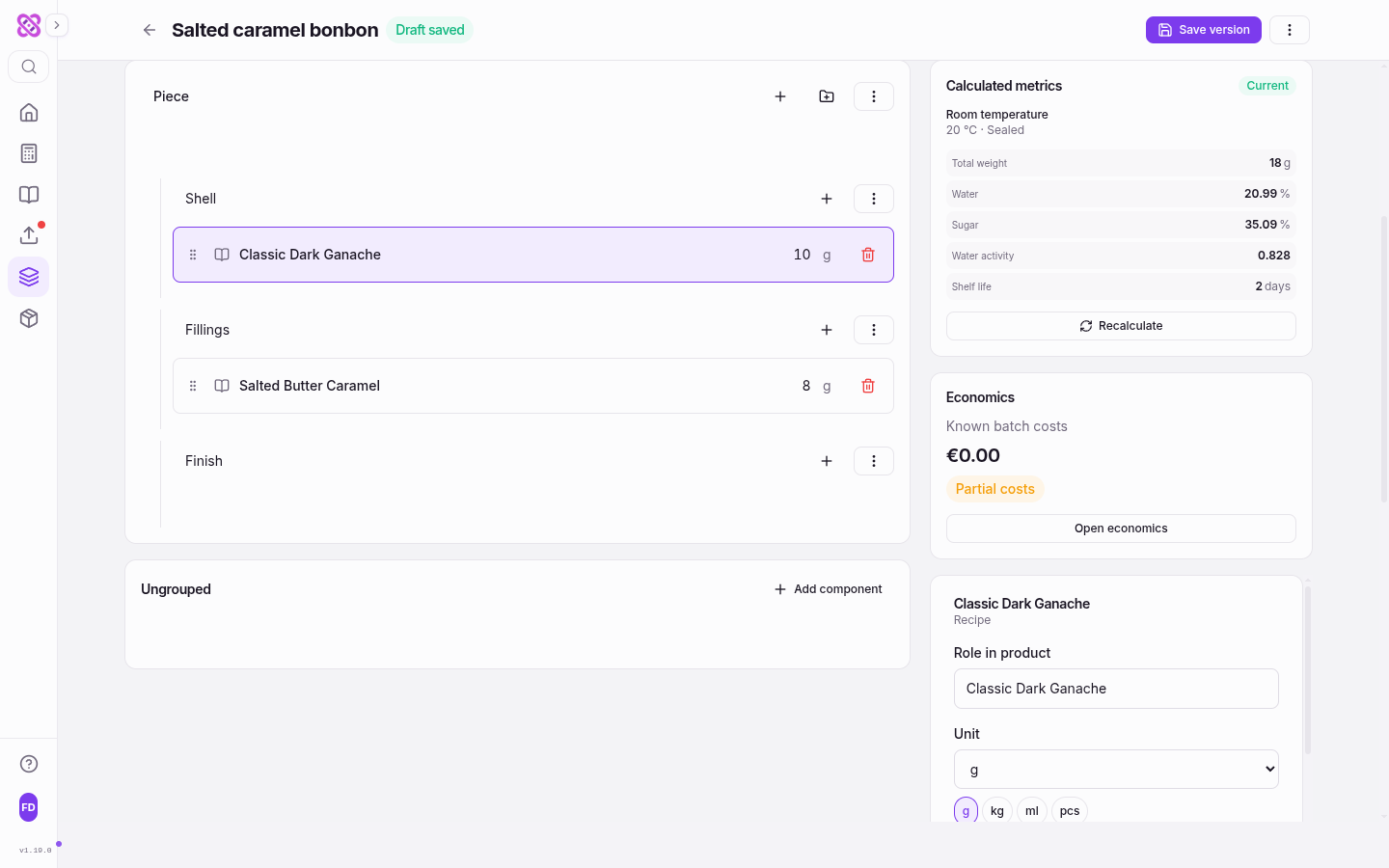
Each component carries two quantities, and the difference between them matters. Net quantity is what ends up in the finished piece, and it is the figure every physical calculation uses — composition, water activity, migration, shelf life, nutrition. Gross quantity is what you have to prepare to get there, including preparation loss, and it is the figure costing reads. Type a net quantity in the component row and gross follows it automatically until you set gross yourself in the component panel, after which the two stay independent.
Where the two quantities diverge
A tempered shell is the usual case. Ten grams of chocolate stay in the mould, but forty went through the pan to get there. Enter 10 g net and 40 g gross: the piece still weighs what it weighs, its water activity and shelf life are unchanged, and the cost of the piece stops understating the chocolate you actually committed. Leaving gross equal to net is correct for anything weighed straight in.
Quantities accept g, kg, ml and pcs. Choosing a volume or a piece count asks for the one conversion the app cannot invent — Density, g/ml or Grams per unit — and stores it against that component only, so a thin syrup and a thick praline never share a number.
Every recipe and product component also has a Source revision. Left on Latest saved version, the component follows its source: change the recipe and the product knows. Pinned to a numbered revision, it does not, and the product keeps calculating the formulation you approved. When a recipe or ingredient behind an unpinned component changes, every product that uses it is marked stale, the metrics panel reads Recalculation needed, and Recalculate brings it current. Stale never silently becomes fresh, and it propagates through nested products that are themselves unpinned.
Contacts Decide Which Migration Is Modelled
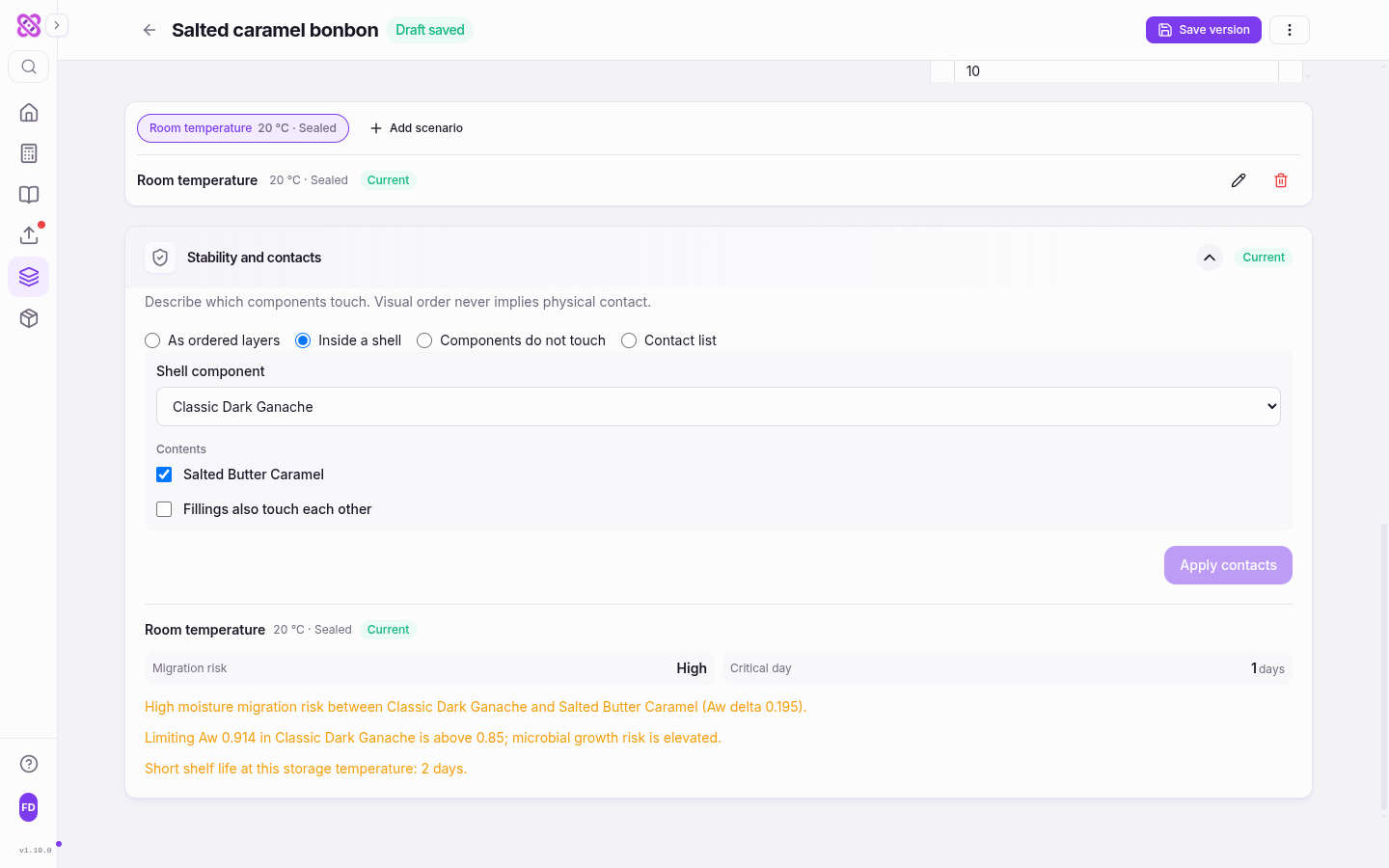
This is the step that separates a product from a list of recipes, and the panel states the rule in one line: “Describe which components touch. Visual order never implies physical contact.” A ganache listed above a caramel may be separated by a chocolate floor, or pressed directly against it. Those are different pieces with different shelf lives, and no amount of reading the outline tells them apart. Until you say which it is, Stability and contacts stays Not configured and no migration figure is offered.
As ordered layers
Each component touches the next one in composition order. The honest choice for a slab, an entremets, or anything cut from a frame where every interface is real.
Inside a shell
Pick the shell component, tick which contents it encloses, and decide separately whether those fillings also touch each other. A two-filling bonbon with a chocolate divider and one without are two different answers here.
Components do not touch
For an assortment or separately wrapped items. This is a confirmation, not an absence: the product records that you checked, and the panel then reads 'Confirmed: components do not touch.'
Contact list
Name the touching pairs yourself, one at a time. Use it when the geometry is genuinely irregular — an inclusion sitting in one layer only, or a decoration that meets the glaze but not the sponge.
Apply contacts commits the choice, and the storage results appear underneath it. A single-component product skips this entirely and reports that it has no internal contacts to model.
Once contacts exist, each touching pair is rated by the water-activity gap across it. A gap above 0.15 is reported as High migration risk and above 0.10 as moderate; below that the pair is left alone. The Critical day is the first day on which a high-risk pair’s modelled shelf-life factor drops below 0.8 — in practice, the day the piece stops being the thing you sold rather than the day it becomes unsafe. A crisp shell against a wet fruit centre can reach it in a single day, which is a design problem, not a storage problem, and it is worth knowing before the first box ships.
Storage Scenarios, Water Activity and Shelf Life
Stability is not a single number, so the product does not pretend it is. Add scenario creates a named set of conditions — a scenario name, a temperature between −50 and 100 °C, and a storage system of Sealed or Open — and every scenario is calculated independently. Two quick options cover most of the work: 20 °C · sealed and 4 °C · sealed. Add a third for the display case if that is where the piece really lives.
The storage system selects how Formul.io reports composite water activity. Sealed reports the mass-weighted average of the component water activities. Open uses the highest component value as a conservative estimate. This calculation does not model moisture exchange with the surrounding air or predict equilibrium water activity during storage.
Limiting Aw is reported alongside, and it is always the wettest phase, never the average. Spoilage does not average: a small wet centre behind a large dry shell is still a small wet centre, and the 0.85 microbial-growth warning is asked of that phase by name. Shelf life is driven by the same limiting value, adjusted for the scenario temperature. It reads shorter than a single-recipe calculator does for the same water activity, and on purpose — an assembly knows its components’ water activities but not their pH, alcohol, sorbate or fat-barrier protection, so the composition hurdles that would lengthen the estimate are left out of it. For a piece built from parts, short is the safe direction to be wrong in.
Nutrition is calculated Per 100 g of product, mass-weighted across the components, and it is all-or-nothing: one component with no nutrition data leaves the whole figure Unavailable rather than quietly reporting a partial total.
What stability analysis needs, and what it will not guess
Storage analysis needs a calculated water activity for every component. Recipes supply one; ingredients added directly to a product do not currently carry that value, and a product that mixes them will report that the analysis is unavailable rather than estimate the missing phase. The fix is to wrap that ingredient in a one-line recipe. Everything the model produces is an estimate for comparing nearby designs — confirm the final piece with your own storage trials before you print a date on it.
Save a Version, Share a Page, Cost the Piece
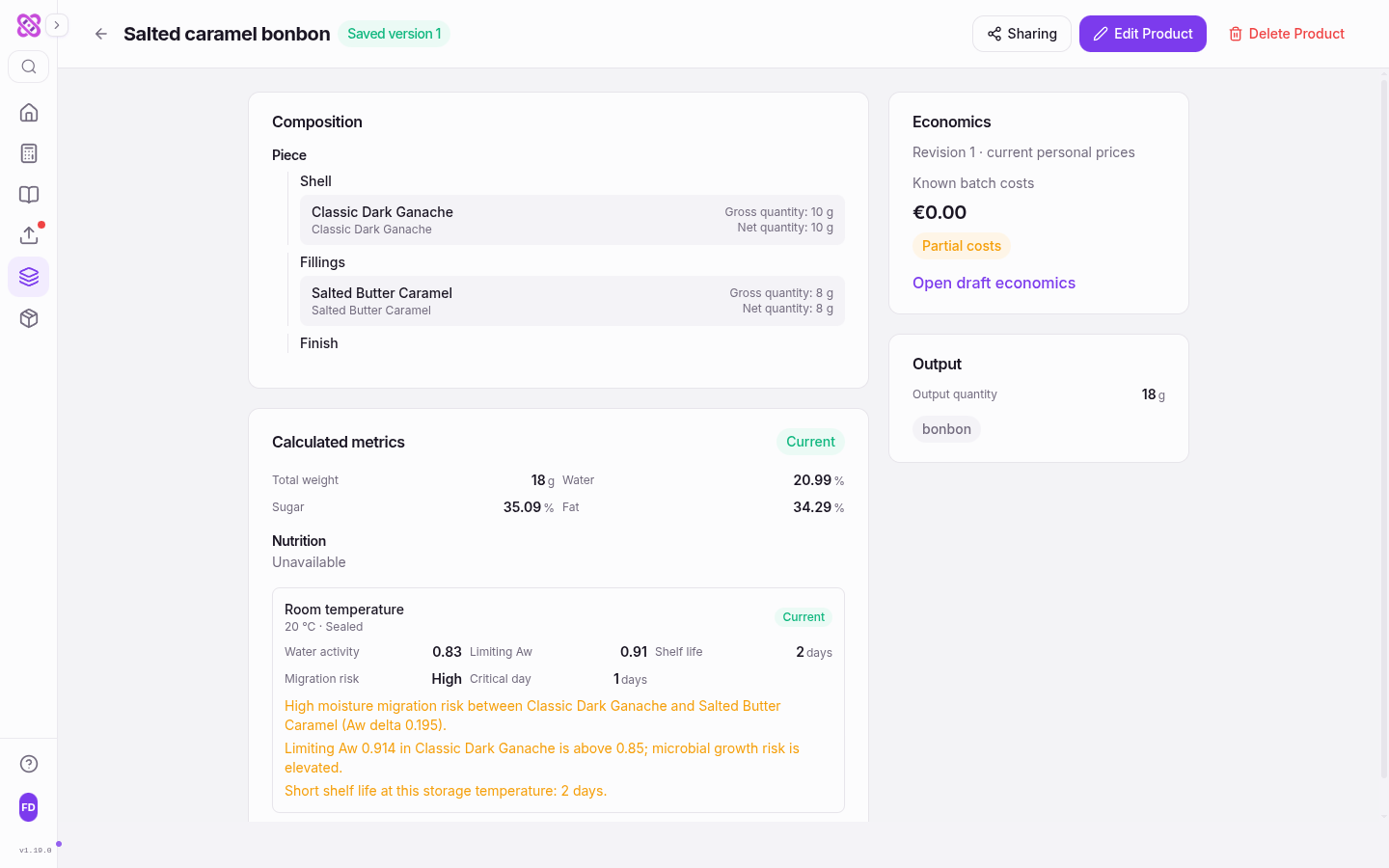
The draft saves itself as you work; the header shows Draft saved when it has. Save version is the separate, deliberate act: it fixes a snapshot that later edits cannot change, which is what makes the product usable inside another product and shareable as a page. Version history keeps every snapshot, and Restore to draft brings an older one back to the editor without disturbing the record of what was saved.
Sharing is section-by-section rather than all-or-nothing. Basic product information is always visible; beyond that you choose which sections, ungrouped components, storage scenarios and metrics the public page carries, with Overview, Composition + nutrition and Technical details as quick presets. Component quantities and conversion factors are never exposed — a customer or a wholesale buyer sees that the piece contains a salted butter caramel and how it should be kept, not your ratios. Save a version before sharing, and save any later changes as a version before updating the public page.
Costing sits in the same editor. The Economics panel reads the gross quantities you entered, prices them from your saved prices, and reports Known batch costs with a Partial costs marker while any input is still missing, so a half-priced product never reads as a cheap one. Costing and margins are the one part of this workflow that needs Pro; composing, calculating and sharing products do not. For how to turn that figure into a defensible price, see pricing confectionery with costing and margins.
What needs Pro
Products, starter structures, storage scenarios, migration analysis and public product pages are available on every plan. Pro adds costing and margins on top of them. Nothing in the composition or stability model changes with the plan — the same engine calculates the same piece.
Questions About Composing Products
Why does the product report a shorter shelf life than the recipe it contains?
Do I have to declare contacts, or can I skip that step?
What happens to my product when I edit one of its recipes?
Can a product contain another product?
Why is nutrition showing as unavailable?
What do gross and net quantities change?
Related Articles
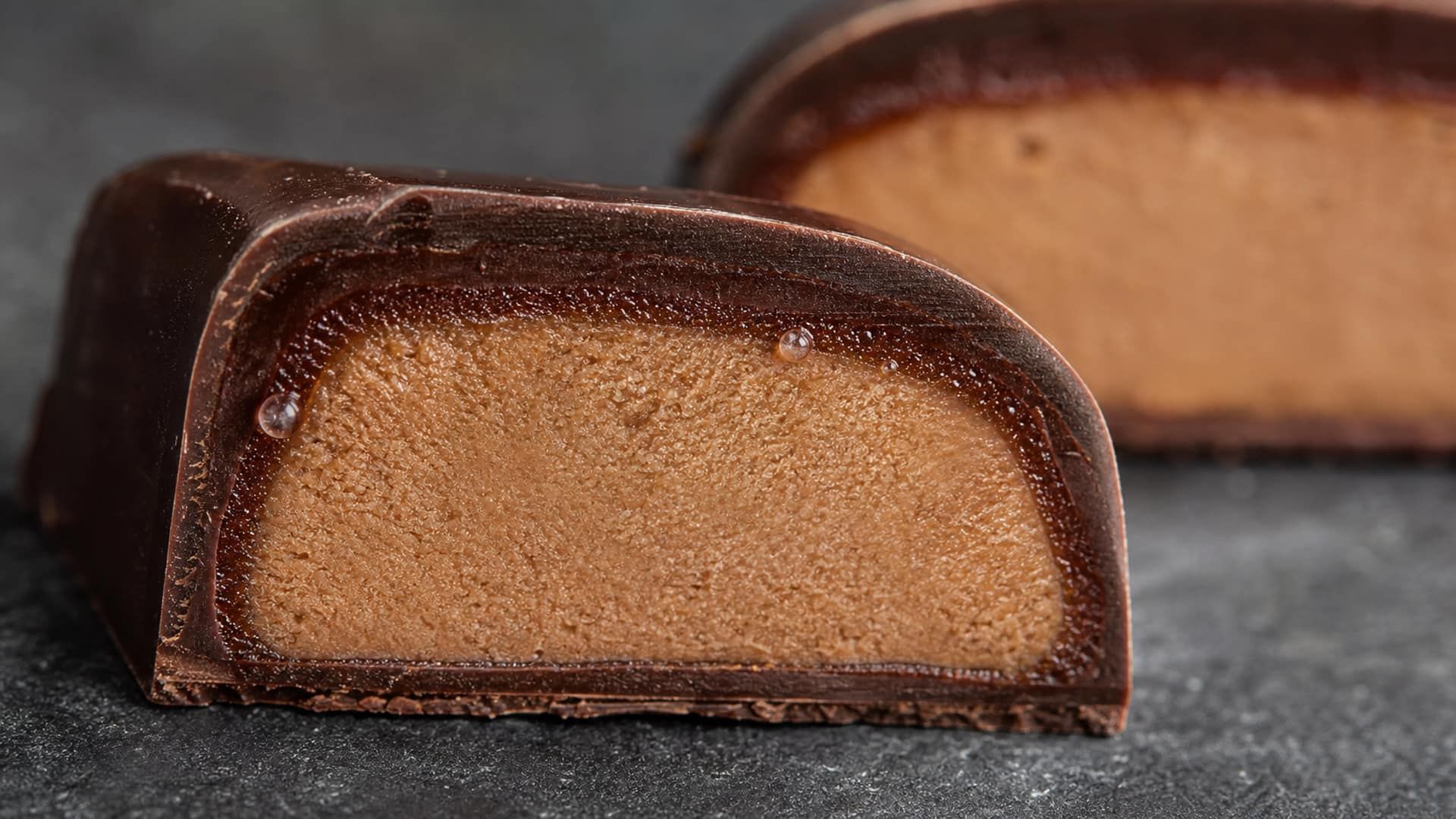
Moisture Migration: Water Activity, Fick's Law, and Packaging
Predict moisture movement by separating its water-activity driving force from diffusion rate, and compare packaging only with WVTR units and test conditions attached.
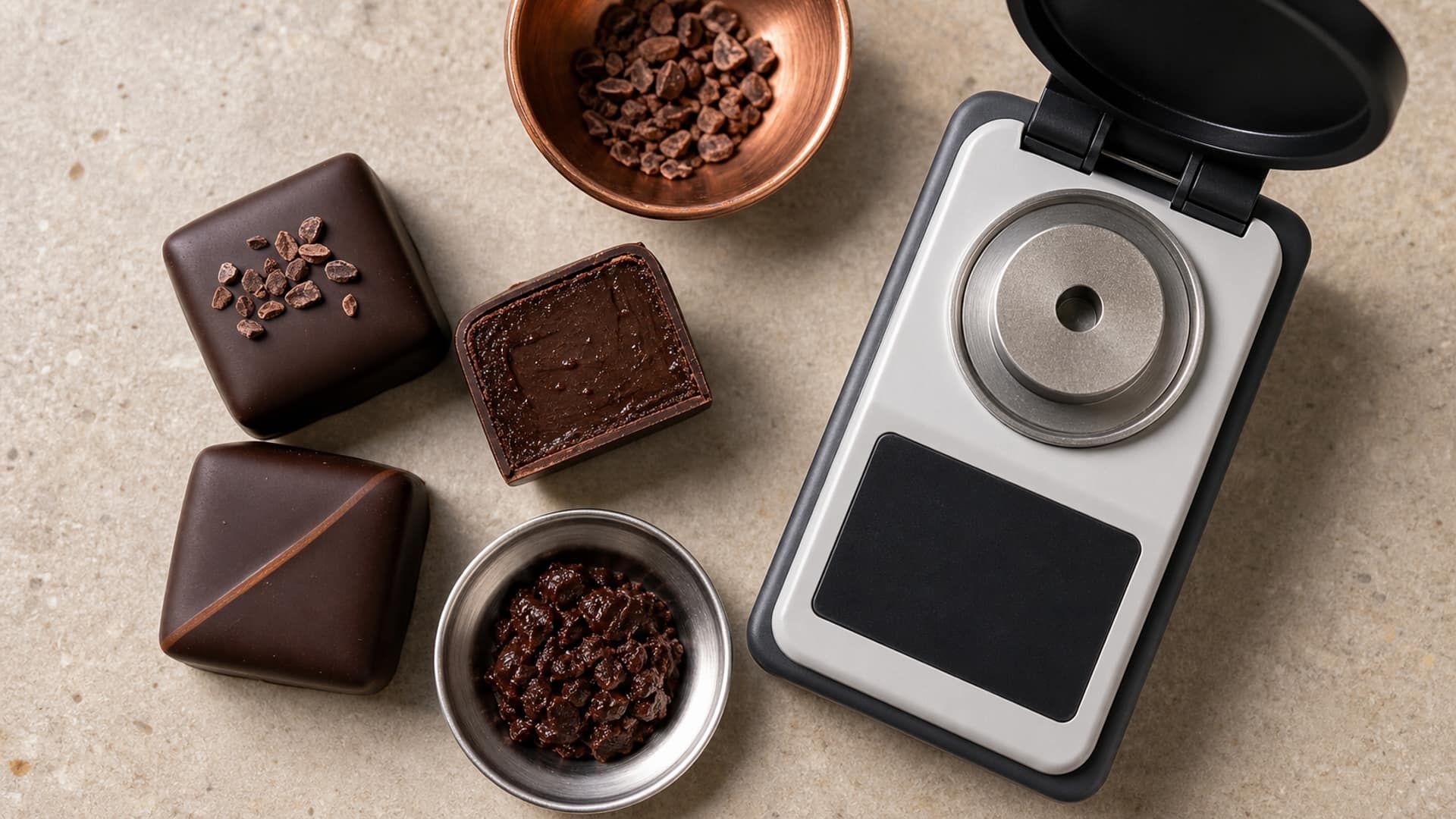
Water Activity Calculator for Ganache and Filled Chocolates
Calculate water activity from your formulation, compare ingredient changes, and use recipe-level predictions to plan shelf-life testing for filled chocolates.
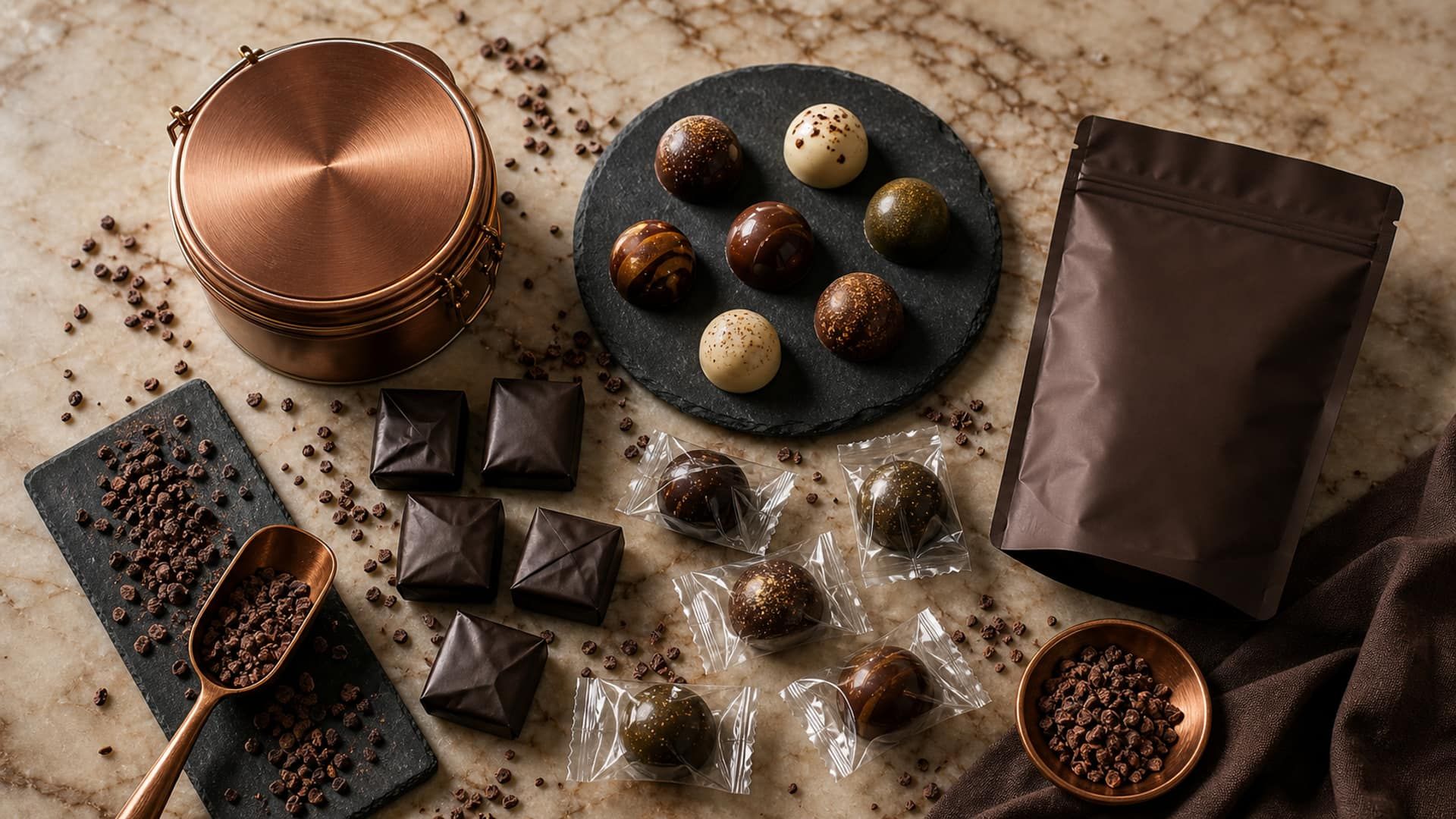
Maximizing Confectionery Shelf Life: A Complete Guide
Practical strategies for extending shelf life through formulation, storage, and packaging optimization. From water activity management to packaging selection, this guide covers everything professionals need to know.