Water Activity Calculator for Ganache and Filled Chocolates
Calculate water activity from your formulation, compare ingredient changes, and use recipe-level predictions to plan shelf-life testing for filled chocolates.
Compare water and dissolved sugars without an account. Continue below for the complete recipe workflow.
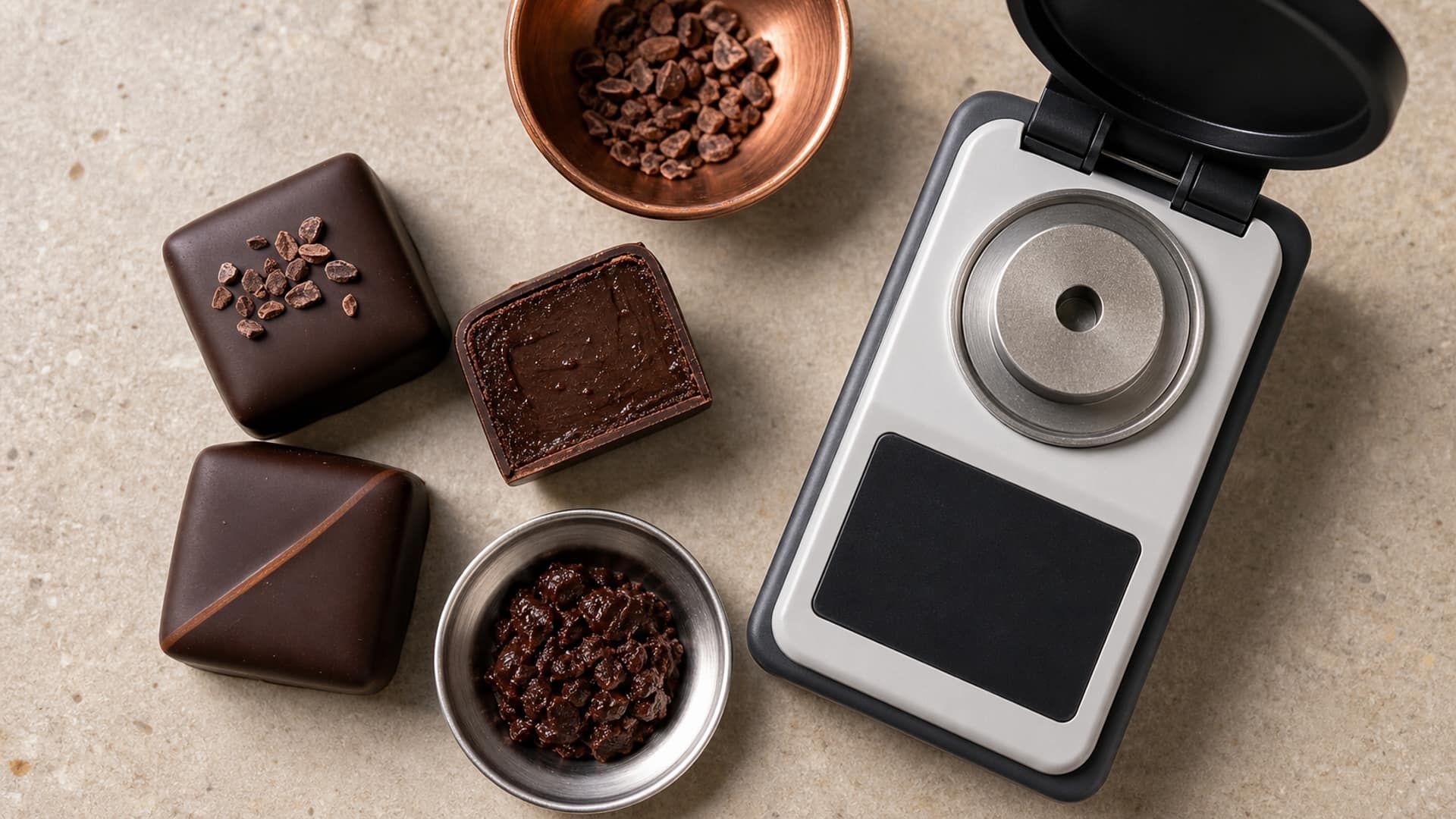
Use the calculator to see how water and dissolved ingredients affect predicted water activity (aw). It applies the solution model of the Formul.io recipe calculator to the quantities you enter: the sugars and salt your water can dissolve, mixed by the Ferro Fontán–Chirife–Boquet rule. The complete recipe calculator adds the water that cocoa solids, proteins and starches hold, the process, and a shelf-life prediction.
What Water Activity Actually Measures
Water activity describes water’s availability in a product. It is the ratio of the equilibrium water-vapour pressure above the food to that above pure water at the same temperature: aw = p/p₀. An aw of 0.80 means 80% of pure water’s vapour pressure; it does not mean that the recipe contains 80% water or that 20% of its water has disappeared.
Moisture content answers a different question: how much water is present by mass. Two fillings with the same moisture can have different aw because their dissolved sugars, polyols, salts and other constituents differ. That distinction makes aw useful when developing a ganache: you can compare the effects of changing sugar composition as well as reducing the quantity of water.
The quick tool works with water and dissolved-solute masses, not whole ingredient masses. Enter sucrose as sucrose, glucose as glucose on a dry basis, and count water supplied by syrups separately. Commercial glucose syrup contains a distribution of sugars; entering its entire weight as pure glucose changes the composition being modelled. For a real syrup, use its ingredient record in the full recipe calculator.
Separate fat addition from water replacement
Cocoa butter does not act like a dissolved sugar in the water phase. Adding it is different from replacing a water-containing ingredient with it: replacing some cream changes both the water contribution and the fat balance. Calculate the complete change so you can assess aw and texture together.
How to Run a Calculation in Formul.io
Start with the recipe you actually make and the composition of the ingredients you buy. Cream fat percentage is not its water percentage: a 35%-fat cream commonly contains around 58–60% water, with the remainder including milk solids. Use the supplier’s moisture value when available. Purée, butter, invert syrup and liquid sorbitol can also contribute water, even when the recipe has no separate water line.
Enter the complete formulation
Open the Ganache Calculator and add the actual chocolate, cream, sugars, fats and other ingredients with their masses. Keep cocoa butter and other fats in the recipe: their effect on texture and the complete composition still matters.
Check ingredient identities and composition
Distinguish crystalline sorbitol from a sorbitol solution, glucose syrup from dextrose, and cream from milk. Review moisture and sugar composition; a product name or DE value alone does not supply every required fraction.
Include the process and storage context
Use the recipe's process and relevant settings, particularly where cooking changes water content. Read the predicted aw together with the shelf-life outputs for their stated storage conditions.
Compare a controlled formulation change
Save a baseline, change one ingredient or quantity, and recalculate. Compare aw, texture and composition before choosing the version to make; keep the exact ingredient specifications with the recipe.
For the quick calculation, use the water from every ingredient, including syrups. If a syrup’s specification says 80% solids, 100 g contributes 20 g water and 80 g solids; those solids still need the correct sugar identity. The full calculator handles this decomposition from the ingredient data so you do not have to treat every syrup as sucrose or glucose.
When the process evaporates water, use the recipe workflow that represents that cooking step. Simply entering the starting weights into a water-and-sugars estimate describes the starting mixture. Recording both the formulation and the process keeps comparisons useful when you later scale a batch or change equipment.
Use predictions to develop the formula, measurements to check the batch
Formul.io calculates aw and recipe-level shelf-life predictions from models. An aw meter measures a sample of the finished product, while a storage study records how that product changes over time. Use the prediction to select promising formulations and plan the study, then compare those results with your production samples. The quick tool’s displayed ±0.03 band is an estimate band, not a guarantee of measurement accuracy.
Interpreting Your aw Result
Read a change in aw as a change in the formulation’s water availability. Lowering it restricts microbial growth and helps you develop longer-lasting fillings. Use the ranges below to understand that effect, then read the complete recipe’s shelf-life prediction for its storage conditions.
| aw range | What it means for a filling | Formulation focus |
|---|---|---|
| Above 0.88 | Normal bacteria and pathogens, many yeasts | Formul.io marks the product as needing refrigeration; review water contribution and dissolved solids |
| 0.80–0.88 | Normal molds, some yeasts | Compare water reduction and humectant changes in the complete recipe |
| 0.70–0.80 | Molds, yeasts | Balance the target aw with sweetness, emulsion and storage conditions |
| 0.60–0.70 | Osmophilic yeasts, some molds | Check sugar and humectant levels against texture |
| Below 0.60 | None | Moisture gain or loss and texture set the shelf life; review packaging and migration |
Microbial growth by water activity, after Ergun, Lietha & Hartel (2010), Table 3; the recipe model calculates storage duration separately
These bands describe growth conditions rather than a fixed number of days. The lower boundary for a particular organism also depends on temperature, pH and the solutes present. A filling at aw 0.80 therefore has a different formulation profile from one at 0.90, but its useful storage life still depends on the complete product.
Compare the complete recipe’s room-temperature and refrigerated predictions to choose a practical storage plan. Keep flavour retention, bloom and emulsion stability alongside the microbiological result: these determine whether the filling still delivers the texture and finish you designed.
Use the confectionery shelf-life testing guide to turn the chosen formulation into a sample plan. It covers checkpoints, packaging and observations so the calculation leads to a practical production decision.
Levers for Lowering aw in Your Formula
Work on the water phase while keeping the desired eating texture in view. Reducing cream removes water but also changes milk fat and protein; changing a syrup alters both water and its sugar profile. These coupled changes are where calculating the complete recipe is especially useful.
| Ingredient or change | Formulation role | What to check |
|---|---|---|
| Invert sugar syrup | Supplies small dissolved sugar molecules; also affects sweetness and sucrose crystallisation | Actual solids, sweetness and the amount of syrup water |
| Glucose syrup | Adjusts dissolved solids, viscosity and crystallisation behaviour | Supplier saccharide profile and solids; DE alone is incomplete |
| Sorbitol | Adds a dissolved polyol that lowers water activity | Powder or solution, water contribution and sensory effect |
| Sucrose | Lowers water activity while dissolved and provides sweetness | Concentration and crystallisation during storage |
| Less cream or controlled evaporation | Reduces water in the formulation | Yield, emulsion behaviour and final texture |
Compare complete ingredient changes rather than a universal humectant ranking
Choose a small change, calculate it, and make the version that preserves the texture you need. To reduce water without increasing sweetness, first compare a smaller cream addition with the current formula. To change the dissolved-solids balance, compare part of the sucrose with a specified invert syrup or sorbitol, accounting for any water in the replacement. The model shows the aw change while the other recipe metrics reveal the tradeoff in composition and texture.
Keep dissolved and crystallised sugar distinct
If dissolved sugar crystallises during storage, the composition of the remaining liquid changes. Follow both texture and aw in retained samples instead of assuming that the initial calculation describes every later state. The timing and extent depend on the recipe and storage conditions.
What is the difference between the quick tool and the full calculator?
How do I enter cream in the quick tool?
Can an aw calculator predict shelf life?
Can I calculate caramel or pâte de fruit this way?
Does the chocolate shell matter?
Does refrigeration lower water activity?
What is the difference between aw and ERH?
Related Articles
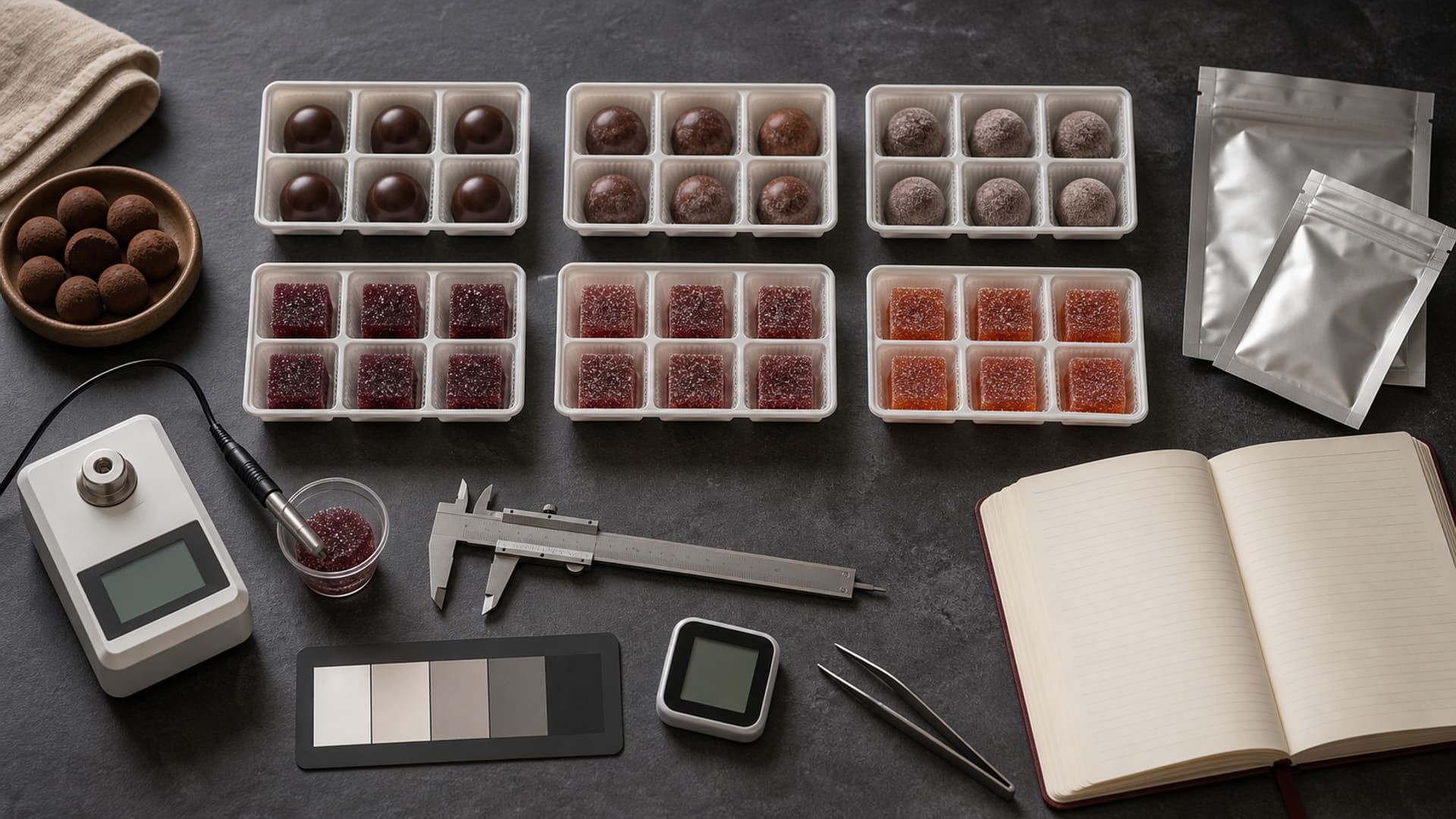
Confectionery Shelf-Life Testing: Plan Your First Study
Build a retention-sample plan for a filled chocolate: choose checkpoints, calculate the packs needed, and record results without confusing a trial target with a validated date.
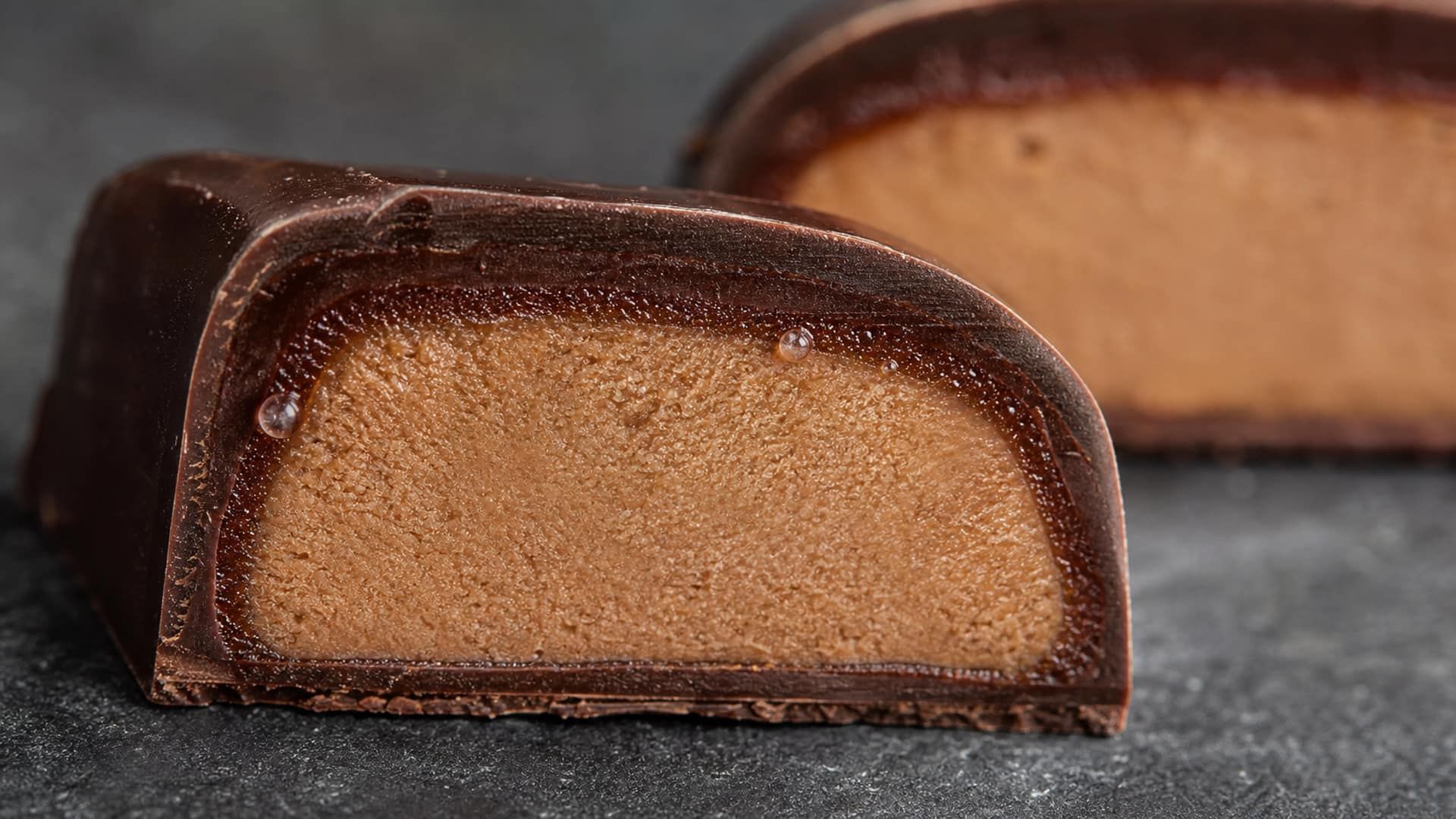
Moisture Migration: Water Activity, Fick's Law, and Packaging
Predict moisture movement by separating its water-activity driving force from diffusion rate, and compare packaging only with WVTR units and test conditions attached.
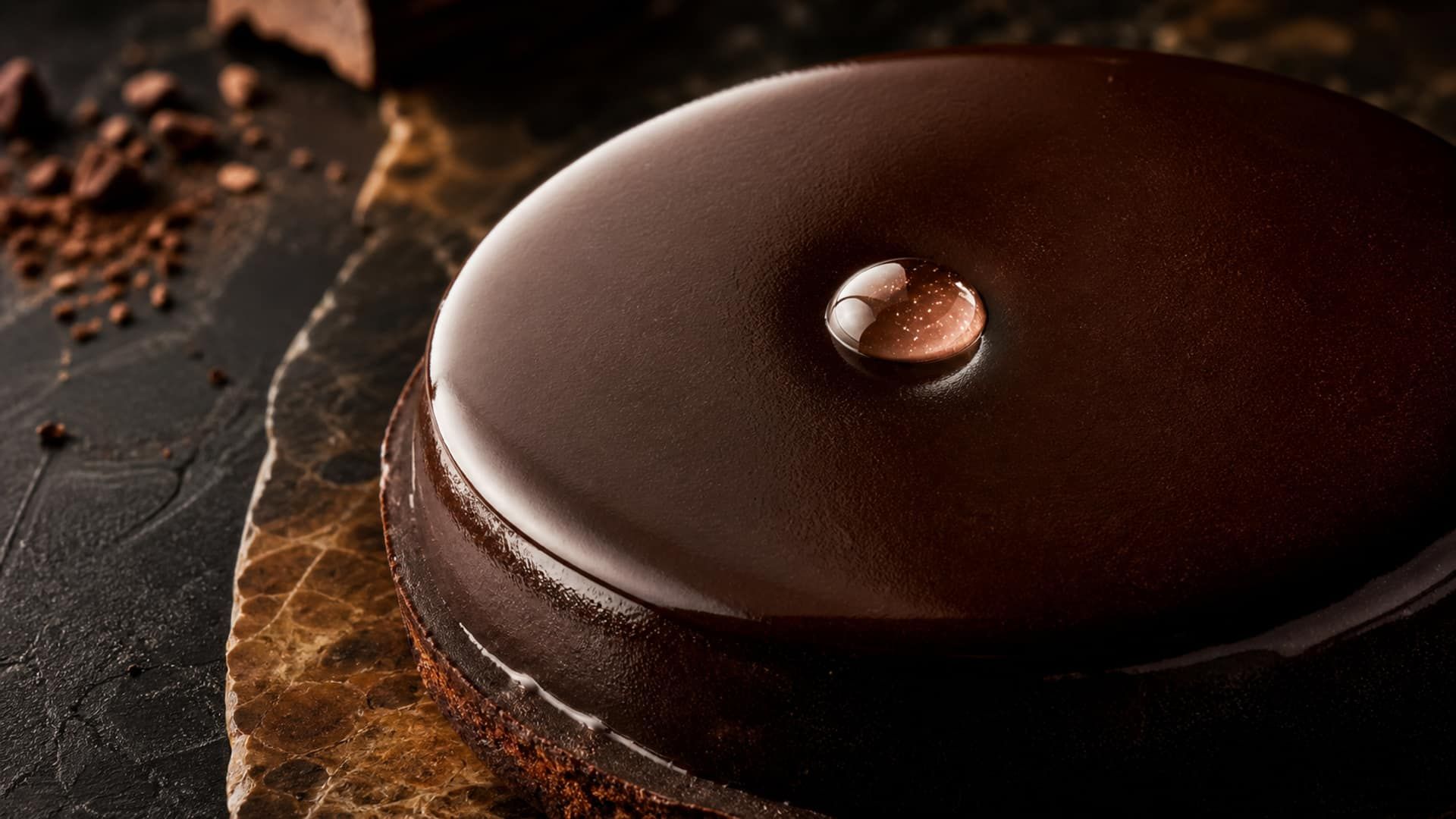
Water Activity in Ganache: The Science Behind Shelf Life Prediction
How the Formul.io Ganache Calculator estimates water activity from a formulation's sugar, polyol, and alcohol composition to predict microbial shelf life — and how to use those numbers responsibly.