Turn Claude or ChatGPT into Your Formulation Copilot
Your existing AI chat gets real recipe tools instead of copy-paste: search your library, save validated recipes, and simulate shelf-life impact — all connected with one link and an authorize click.

Real Tools Instead of Copy-Paste
You probably already talk recipes through with Claude or ChatGPT. The conversation is useful; the ending is not: the assistant hands you text, and you retype it into a spreadsheet or calculator to learn whether it actually works. Formul.io closes that gap with an MCP connector — MCP (Model Context Protocol) is the open standard that lets an AI chat call real software. Once connected, the same chat window searches your recipe library, builds and saves recipes, and reads water activity, shelf life, and nutrition computed by the Formul.io engine.
This guide is about what a confectioner does with that connection. The technical page — endpoints, scopes, API keys for developers — lives at formul.io/mcp.
The assistant stops describing work and starts doing it — and every number it reports comes from the deterministic calculation engine, never from the language model.
Setup Is a Link and an Authorize Click
On Claude.ai there is nothing to install and no API key to manage. The whole setup is pasting one URL and approving one screen.
Open Connectors
In claude.ai, go to Settings → Connectors and click Add custom connector.
Paste the endpoint
Name it Formul.io and paste https://api.formul.io/mcp. Leave OAuth Client ID and Secret blank — they are discovered automatically.
Authorize
Claude redirects you to Formul.io. Log in if prompted, review the requested permissions, and click Allow.
Ask something
Start a new chat and try: What recipes do I have, and which has the shortest shelf life? The answer comes from your live library.
ChatGPT connects the same way from its connector settings and approves the same Formul.io authorization screen. Claude Desktop uses a scoped API key created under Settings → Security instead. Client-by-client walkthroughs are on the setup page.
You stay in control
Access is scoped: six permission scopes decide whether the assistant may read, write, calculate, or diagnose, and any tool called without its scope is refused. Deleting a recipe, note, or collection always requires an explicit confirmation in chat, and you can revoke the connection at any time.
Four Conversations That End in Saved Recipes
The difference from a plain chatbot shows up in what survives the conversation.
| You say | Tools behind the answer | What you keep |
|---|---|---|
| Draft a raspberry ganache for cut bonbons, analyze it, and fix what gets flagged | create_recipe, analyze_recipe, update_recipe | A saved, versioned recipe with engine-computed metrics — not text to retype |
| Find a vegan substitute for the cream and show the shelf-life impact | find_substitutes, simulate_changes | Ranked candidates and exact metric deltas; nothing changes until you approve |
| Add this praline to the winter line and check it against our rules | get_collection, save_collection | Work reviewed against the collection's private project instructions |
| Which of my pralines sit above 0.85 water activity? | list_recipes, get_recipe_metrics | An audited shortlist, each entry with a link that opens the recipe |
What each conversation leaves behind in your library
The R&D loop is the flagship. In the worked example from our AI recipe development guide, one analysis-guided rebalance took a saved draft from water activity 0.861 to 0.822, its quality score from 63.6 to 80, and refrigerated shelf life from 19 to 35 days — and that whole loop runs as chat turns through this connector, ending in a recipe you open in the app, not a wall of text.
AI Recipe Development: From Idea to Production-Ready Formula
The full R&D workflow behind the ganache example — drafting, 0-100 quality scores, and what-if simulation.
Substitution chains two tools in a single turn: find_substitutes ranks replacements by composition, diet, and flavour, then simulate_changes computes what the swap does to water activity and shelf life before anything is saved. On that same ganache, simulating a glucose-to-invert-sugar swap returned water activity down 0.016 and five more refrigerated days in seconds — so the vegan-cream question ends with numbers, not opinion.
Your House Rules, Enforced Mid-Conversation
Collections turn one-off chats into a governed process. A collection groups a project’s recipes and carries private project instructions the assistant reads before working inside it — so allergen policies, target water-activity ceilings, and cost limits are briefed once, not repeated in every conversation.
Brief the constraint once
Write instructions like no nut allergens in this line, keep water activity at 0.82 or lower, or record every substitution in a note into a collection. Every AI session that touches that collection works under those rules — whichever assistant you connect.
Two more tools keep the process honest. Recipe notes store caveats next to the formula they describe — the purée batch that varies, the couverture that needs a longer temper — and the assistant can read and add them mid-conversation. Process stages go further: multi-stage methods live as a process graph the assistant can read and author, so the method survives alongside the numbers.
What is free and what needs Pro
Every read tool works on every plan: ingredient search and substitutes, reading recipes, collections, and notes, metrics, analysis, simulation, and calculator guides. The Free plan also saves what the assistant creates: new recipes, authored in the chat or transcribed from a source, and notes on your recipes. Editing or deleting a recipe, deleting a note, authoring process stages, and managing collections and custom ingredients require Pro. The reviewed Recipe Import lifecycle works on either plan too: you can start an import, resolve its flagged items, and commit the reviewed result while the product’s sponsored allowance is available.
One Question, Whole Library
The connector’s quiet superpower is breadth. A question like which of my pralines have water activity above 0.85 used to mean opening recipes one by one for an afternoon. Connected, the assistant walks your library — listing recipes, pulling engine metrics, comparing against your threshold — and returns the offenders, each with a link that opens the recipe in the app.
The same pattern covers a shelf-life review before a wholesale order, a seasonal audit of everything in the summer line, or a quick who-uses-this-ingredient sweep before a supplier change. Portfolio questions become one chat turn instead of a spreadsheet session.
Questions Confectioners Ask
Do I need an API key to connect Claude to Formul.io?
Which AI assistants can connect?
What can the assistant do on the Free plan?
Can the assistant delete my recipes by accident?
How does the assistant know my allergen and quality rules?
Are there usage limits?
Copy-paste was never the workflow — it was the workaround. Connect the assistant you already use, and the conversation itself becomes the place where recipes are drafted, checked against real physics, and saved.
Related Topics
Related Articles

AI Recipe Development: From Idea to Production-Ready Formula
Turn a plain-language product brief into a validated formula — AI drafts the ingredients, the calculation engine verifies water activity, shelf life, and texture before you melt any chocolate.

Digitize Your Recipe Book: AI Import from Excel, CSV and Notes
Move years of recipes out of spreadsheets and notebooks in one pass — AI extraction structures them, semantic matching resolves every ingredient, and your whole library gains computed water activity, shelf life, and nutrition.
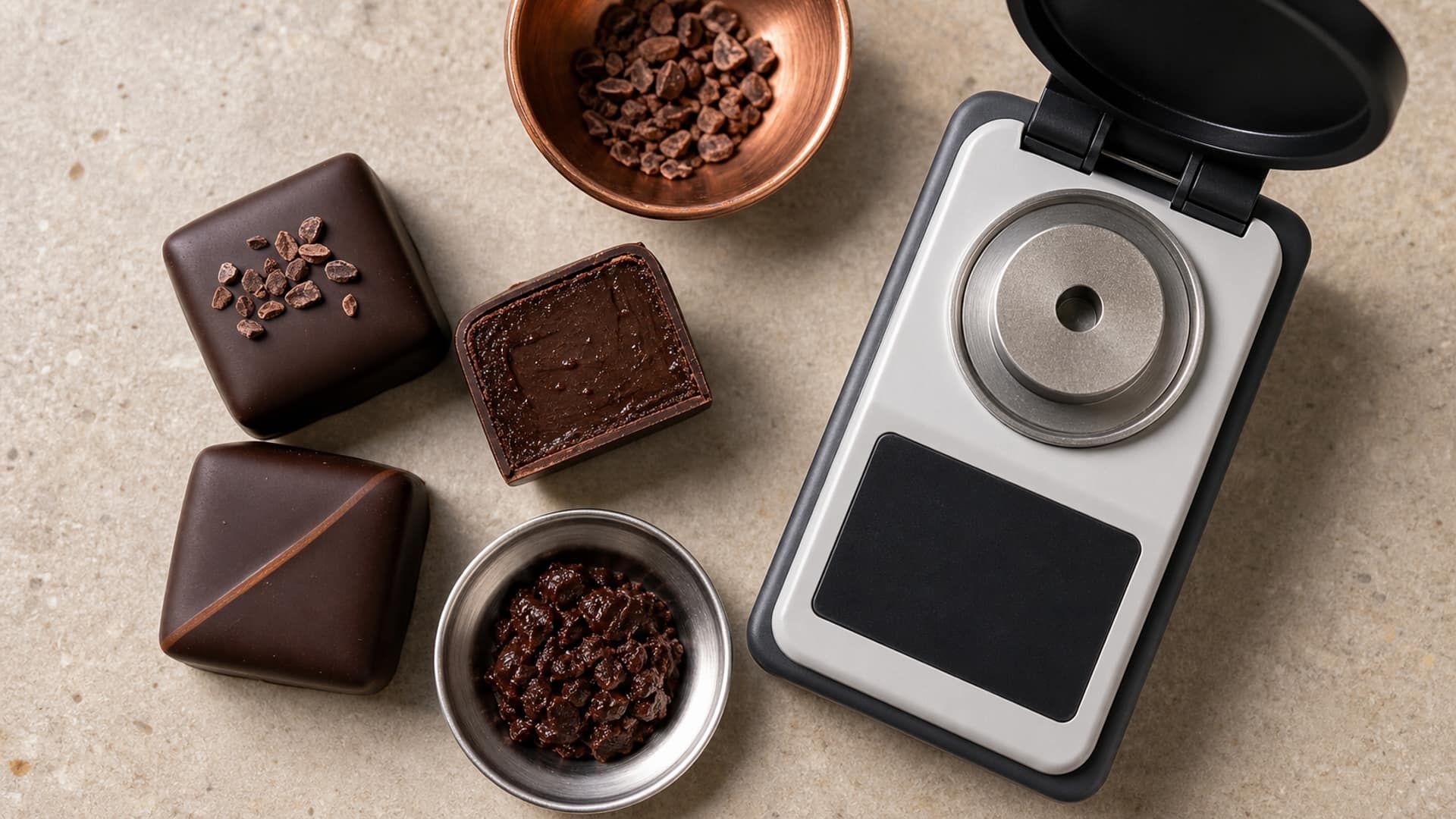
Water Activity Calculator for Ganache and Filled Chocolates
Calculate water activity from your formulation, compare ingredient changes, and use recipe-level predictions to plan shelf-life testing for filled chocolates.